Study Mode
Hide Shorts, recommendations, and distracting interface elements.
Focused learning on YouTube
StudyFlow combines Study Mode, supported ad blocking, autoplay controls, and timestamped screenshot notes in one browser extension for focused learning.
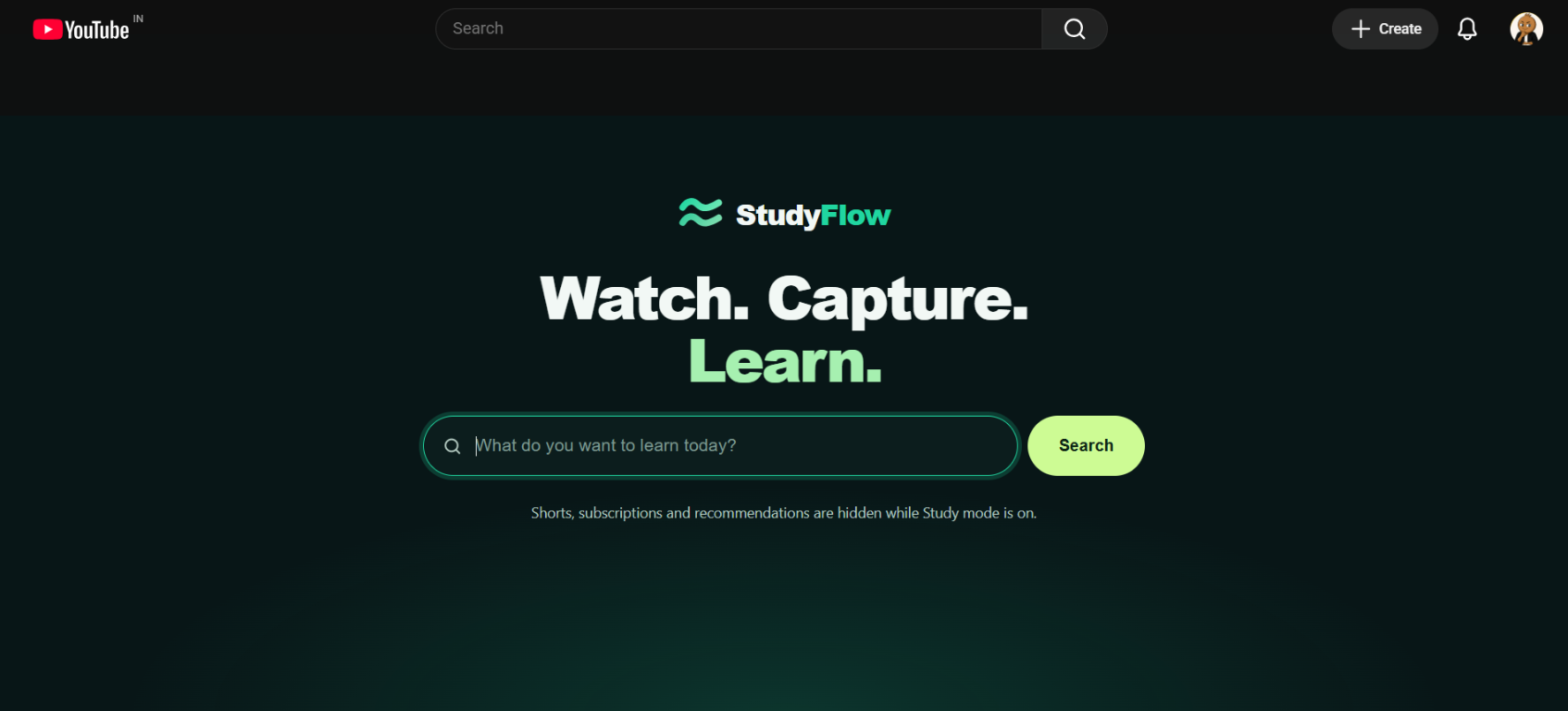
Hide Shorts, recommendations, and distracting interface elements.
Reduce supported advertisements while studying.
Keep the next video from automatically starting.
Save a video frame with its timestamp and your explanation.
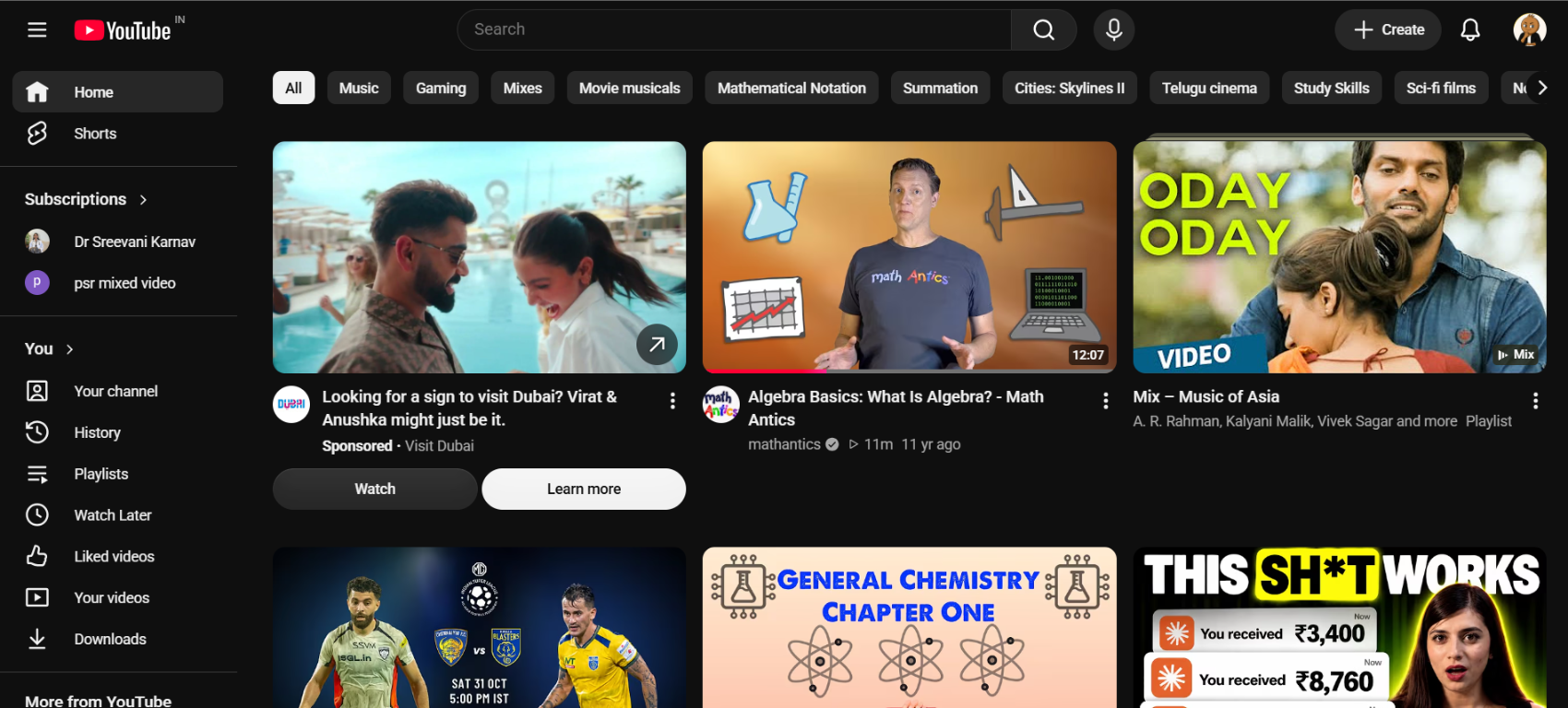
A cleaner learning environment
Study Mode hides Shorts, recommendations, and distracting subscriptions while keeping YouTube search available for lessons, lectures, and tutorials.
Keep every useful moment

A YouTube study extension adds learning tools to the browser while you watch lessons, tutorials, and study videos. StudyFlow provides Study Mode, timestamped screenshot notes, supported ad blocking, autoplay control, and note exports.
Yes. Study Mode can hide YouTube Shorts, recommendations, and distracting subscriptions, and can replace the homepage with a focused search experience.
StudyFlow can capture a video frame with its timestamp and let you add a title, explanation, and tags.
Yes. Export saved notes as PDF or Markdown with video links and timestamps.