Autoplay control
Prevent another video from automatically starting.
YouTube autoplay control
Finish the lesson you chose without getting pulled into another autoplay queue. StudyFlow also helps hide distractions and capture useful moments as notes.
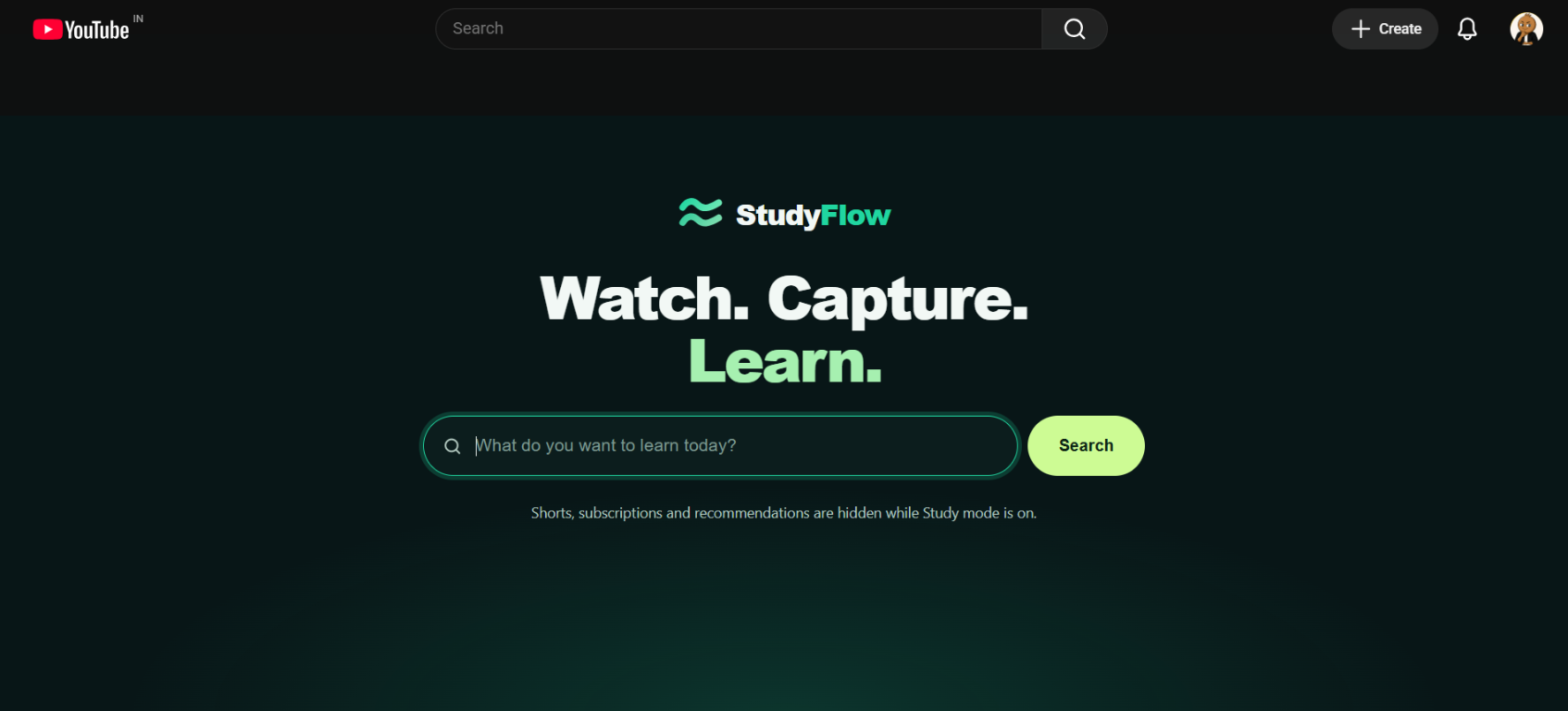
Prevent another video from automatically starting.
Hide Shorts, recommendations, and distracting subscriptions.
Reduce supported advertisements during study sessions.
Capture useful frames with timestamps instead of replaying videos.
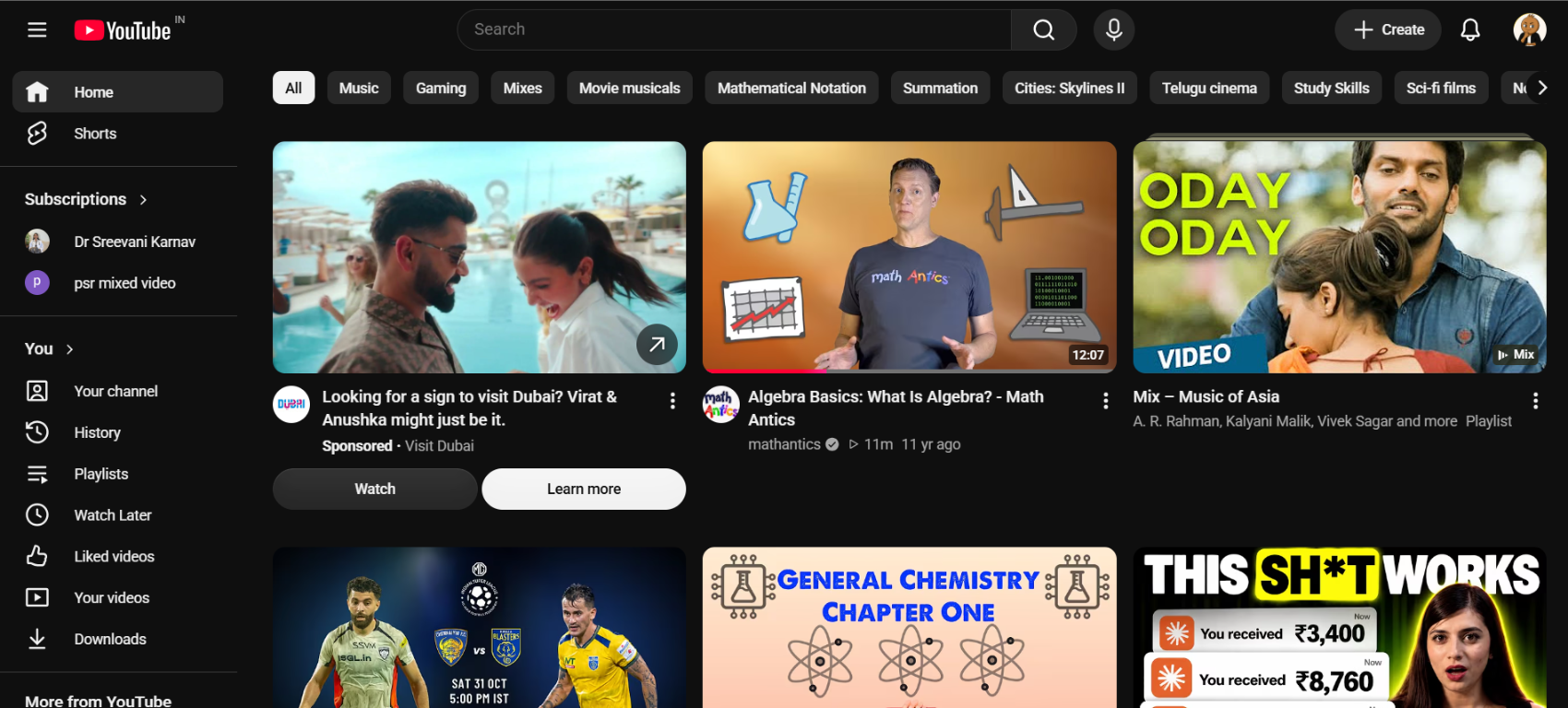
Stay with the lesson
StudyFlow gives you a calmer study workflow: stop the next video from taking over, hide interface distractions, and save the moments worth returning to.
StudyFlow includes autoplay controls to help keep videos from moving automatically to another lesson.
YouTube can change its interface and playback behavior. StudyFlow controls the supported autoplay behavior available through the extension.
Study Mode can hide Shorts, recommendations, and distracting subscriptions so you can focus on the lesson you chose.
Yes. StudyFlow can capture video frames with timestamps and let you organize, export, and review your notes.